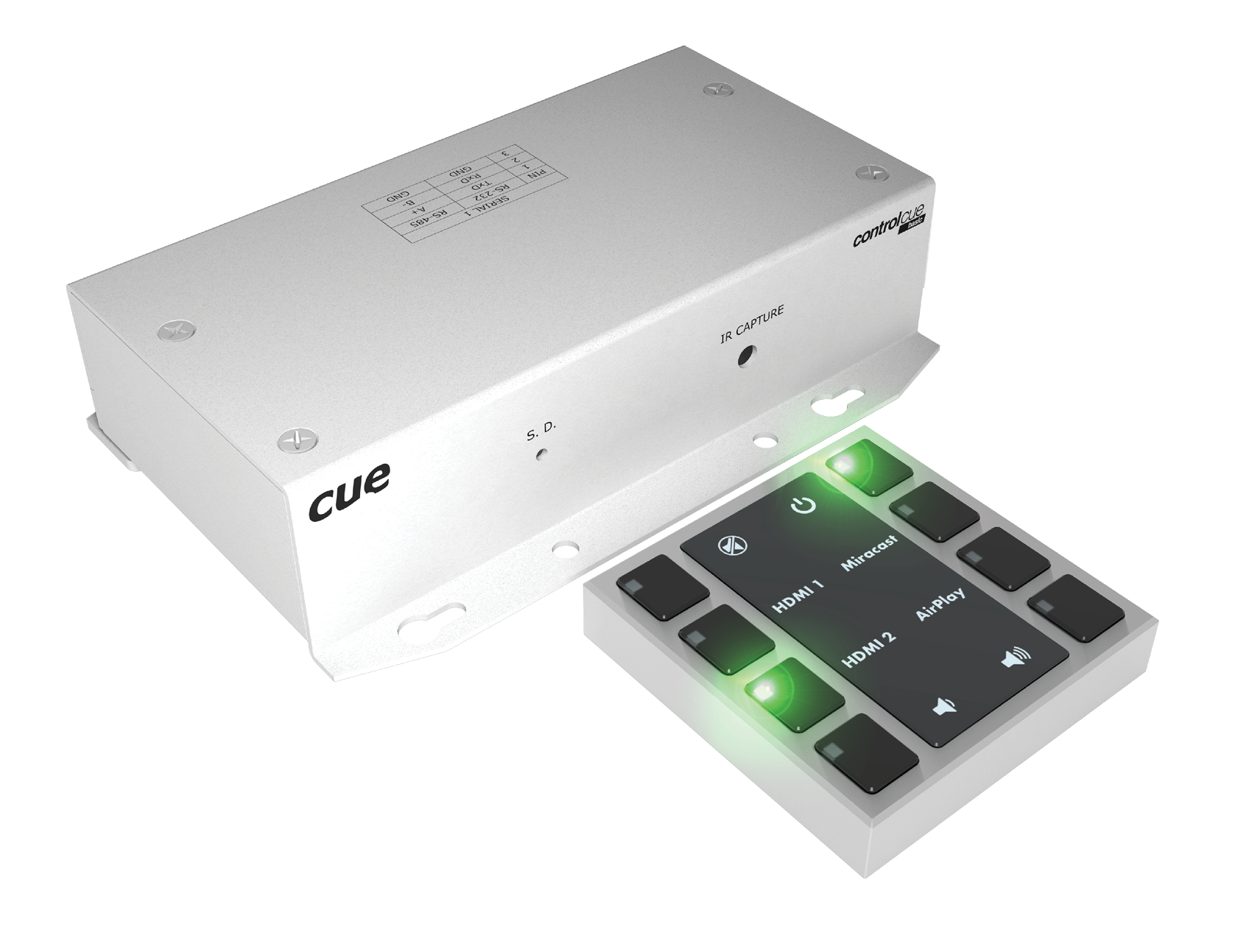
liteCUE-basic
Product code: CS058
The basic configuration for deploying a liteCUE-basic assumes the use of a controller
, in which a control application prepared using the Cue Visual Composer programming tool is loaded. Also, a built-in Simple Setup can be used to set up the system without programming. Then the control unit controls the individual devices installed in the meeting room using IP, serial ports, IR, digital IOs, and relays.
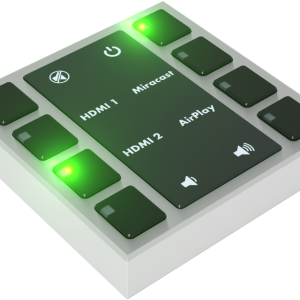
An 8-button keypad
with an illuminated key label is used as a control panel. Each button contains an indicator to indicate the status of the system or individual devices.
The entire control system is connected to the PoE network, from which it is completely powered incl. the keypad. Therefore, a separate power supply is not required.
The liteCUE-basic connection is shown in the following figure. The controller is connected to the data network from which it is also powered by PoE. The keypad is connected to the controller via the
, which provides power and data communication via RS-485 standard.

Main features
-
Complete easy-to-use solution for room control
-
Small 8-button keypad
keypadCUE-55 -
keypadCUE-55 enclosure colors
-
White aluminum RAL9006
-
Signal white RAL9003
-
-
Small room controller
controlCUE-basic -
Powerful support for IP, serial, and IR device control
-
Onboard real-time clock for scheduled operations
-
Power over Ethernet power supply
-
Compact surface-mount or free-standing metal enclosure
-
Simple Setup for non-programming deployment
-
Web server and Admin Web pages for setup
-
Integration with touchONE reservation system